
No version for distro crystal. Known supported distros are highlighted in the buttons above.
No version for distro bouncy. Known supported distros are highlighted in the buttons above.
Repository Summary
| Checkout URI | https://github.com/rt-net/raspimouse_sim.git |
| VCS Type | git |
| VCS Version | melodic-devel |
| Last Updated | 2018-06-04 |
| Dev Status | DEVELOPED |
| Released | UNRELEASED |
Packages
| Name | Version |
|---|---|
| raspimouse_control | 0.1.0 |
| raspimouse_description | 0.1.0 |
| raspimouse_gazebo | 0.1.0 |
| raspimouse_sim | 0.1.0 |
README
raspimouse_sim

Gaezbo上でシミュレートできるRaspberry Pi MouseのROSパッケージ一式です。
詳細なセットアップ方法はWikiにまとめています。
動作環境
以下の環境を前提として動作確認しています。
- Ubuntu
- Ubuntu Bionic Beaver 18.04
- ROS
- ROS Melodic Morenia
- Gazebo
- Gazebo 9.x
- ROS Package
- ros-melodic-desktop-full
インストール方法
ターミナルを開き、以下のコマンドを実行してください。
bash -exv -c "$(curl -sSfL https://git.io/raspimouse-sim-installer)"
QuickStart
シミュレータのインストール後、次のコマンドを入力して起動してください。
rosrun raspimouse_control gen_dev_file.sh
roslaunch raspimouse_gazebo raspimouse_with_samplemaze.launch
詳細はこのページをお読みください。
スクリーンショット
サンプル迷路での動作例

URG付きモデルでの動作例

ライセンス
このリポジトリはMITライセンスに基づいて公開されています。 MITライセンスについてはLICENSEを確認してください。
引用または参考にしたリポジトリ
-
CIR-KIT/fourth_robot_pkg - BSD (BSD 3-Clause License)
- urdf model xacro files
- ros_control definition files
-
yujinrobot/kobuki - BSD (BSD 3-Clause License)
- launch files
No version for distro lunar. Known supported distros are highlighted in the buttons above.
Repository Summary
| Checkout URI | https://github.com/rt-net/raspimouse_sim.git |
| VCS Type | git |
| VCS Version | kinetic-devel |
| Last Updated | 2019-02-06 |
| Dev Status | DEVELOPED |
| Released | UNRELEASED |
Packages
| Name | Version |
|---|---|
| raspimouse_control | 0.1.0 |
| raspimouse_description | 0.1.0 |
| raspimouse_gazebo | 0.1.0 |
| raspimouse_sim | 0.1.0 |
README
raspimouse_sim
Gaezbo上でシミュレートできるRaspberry Pi MouseのROSパッケージ一式です。
詳細なセットアップ方法はWikiにまとめています。
動作環境
以下の環境を前提として動作確認しています。
- Ubuntu
- Ubuntu Xenial Xerus 16.04.*
- ROS
- ROS Kinetic Kame
- Gazebo
- Gazebo 7.x
- ROS Package
- ros-kinetic-desktop-full
インストール方法
ターミナルを開き、以下のコマンドを実行してください。
bash -exv -c "$(curl -sSfL https://git.io/raspimouse-sim-installer)"
QuickStart
シミュレータのインストール後、次のコマンドを入力して起動してください。
rosrun raspimouse_control gen_dev_file.sh
roslaunch raspimouse_gazebo raspimouse_with_samplemaze.launch
詳細はこのページをお読みください。
スクリーンショット
サンプル迷路での動作例

URG付きモデルでの動作例

ライセンス
このリポジトリはMITライセンスに基づいて公開されています。 MITライセンスについてはLICENSEを確認してください。
引用または参考にしたリポジトリ
-
CIR-KIT/fourth_robot_pkg - BSD (BSD 3-Clause License)
- urdf model xacro files
- ros_control definition files
-
yujinrobot/kobuki - BSD (BSD 3-Clause License)
- launch files
Repository Summary
| Checkout URI | https://github.com/rt-net/raspimouse_sim.git |
| VCS Type | git |
| VCS Version | indigo-devel |
| Last Updated | 2018-11-10 |
| Dev Status | DEVELOPED |
| Released | UNRELEASED |
Packages
| Name | Version |
|---|---|
| raspimouse_control | 0.1.0 |
| raspimouse_description | 0.1.0 |
| raspimouse_gazebo | 0.1.0 |
| raspimouse_sim | 0.1.0 |
README
raspimouse_sim
Gaezbo上でシミュレートできるRaspberry Pi MouseのROSパッケージ一式です。
詳細なセットアップ方法はWikiにまとめています。
動作環境
以下の環境を前提として動作確認しています。
- Ubuntu
- Ubuntu Trusty 14.04
- ROS
- ROS Indigo
- Gazebo
- Gazebo 2.x
- ROS Package
- ros-indigo-desktop-full
- ros-indigo-gazebo-ros-control
- ros-indigo-ros-controllers
インストール方法
ターミナルを開き、以下のコマンドを実行してください。
bash -exv -c "$(curl -sSfL https://git.io/raspimouse-sim-installer)"
QuickStart
シミュレータのインストール後、次のコマンドを入力して起動してください。
rosrun raspimouse_control gen_dev_file.sh
roslaunch raspimouse_gazebo raspimouse_with_samplemaze.launch
詳細はこのページをお読みください。
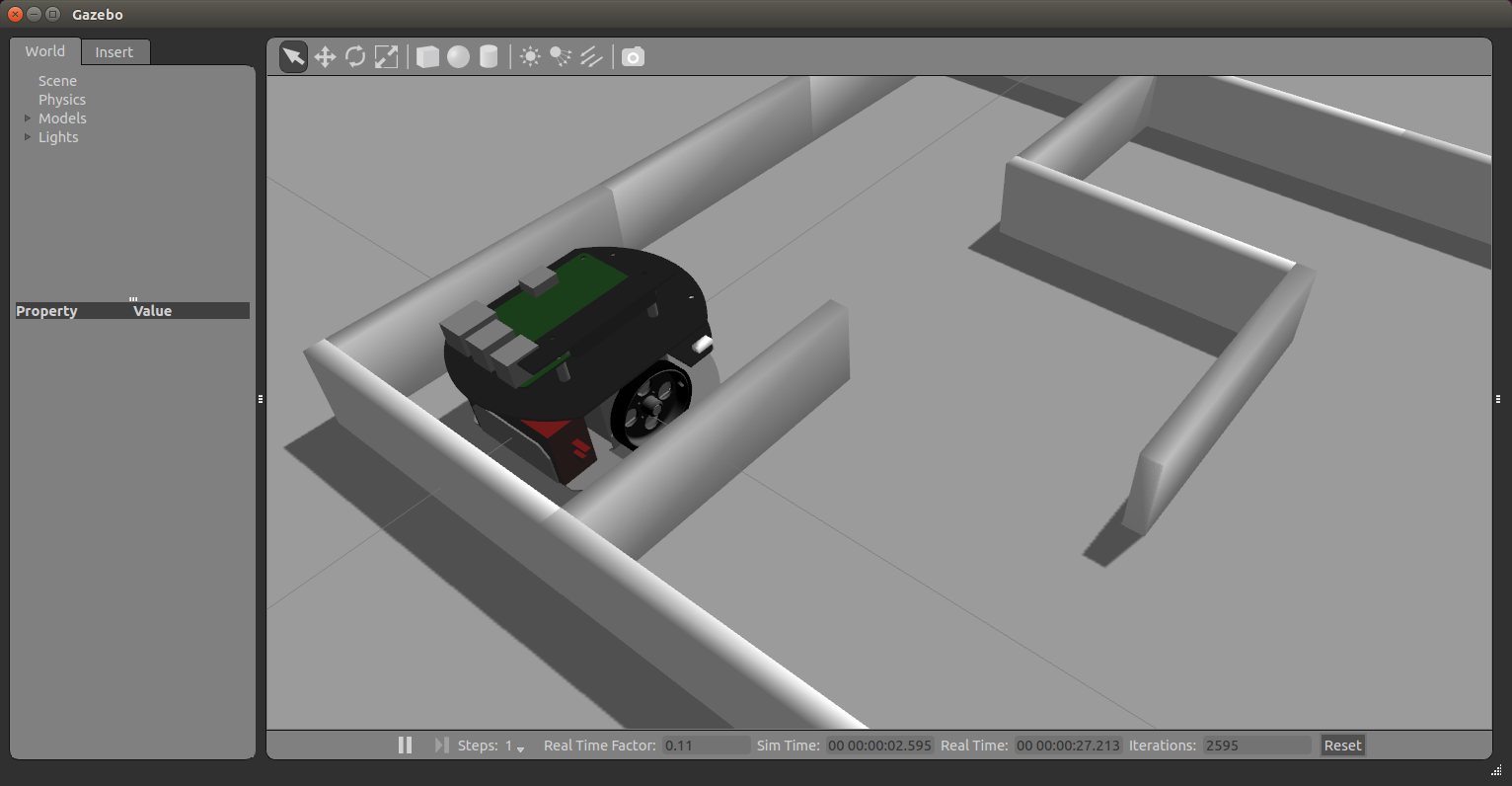
スクリーンショット
サンプル迷路での動作例
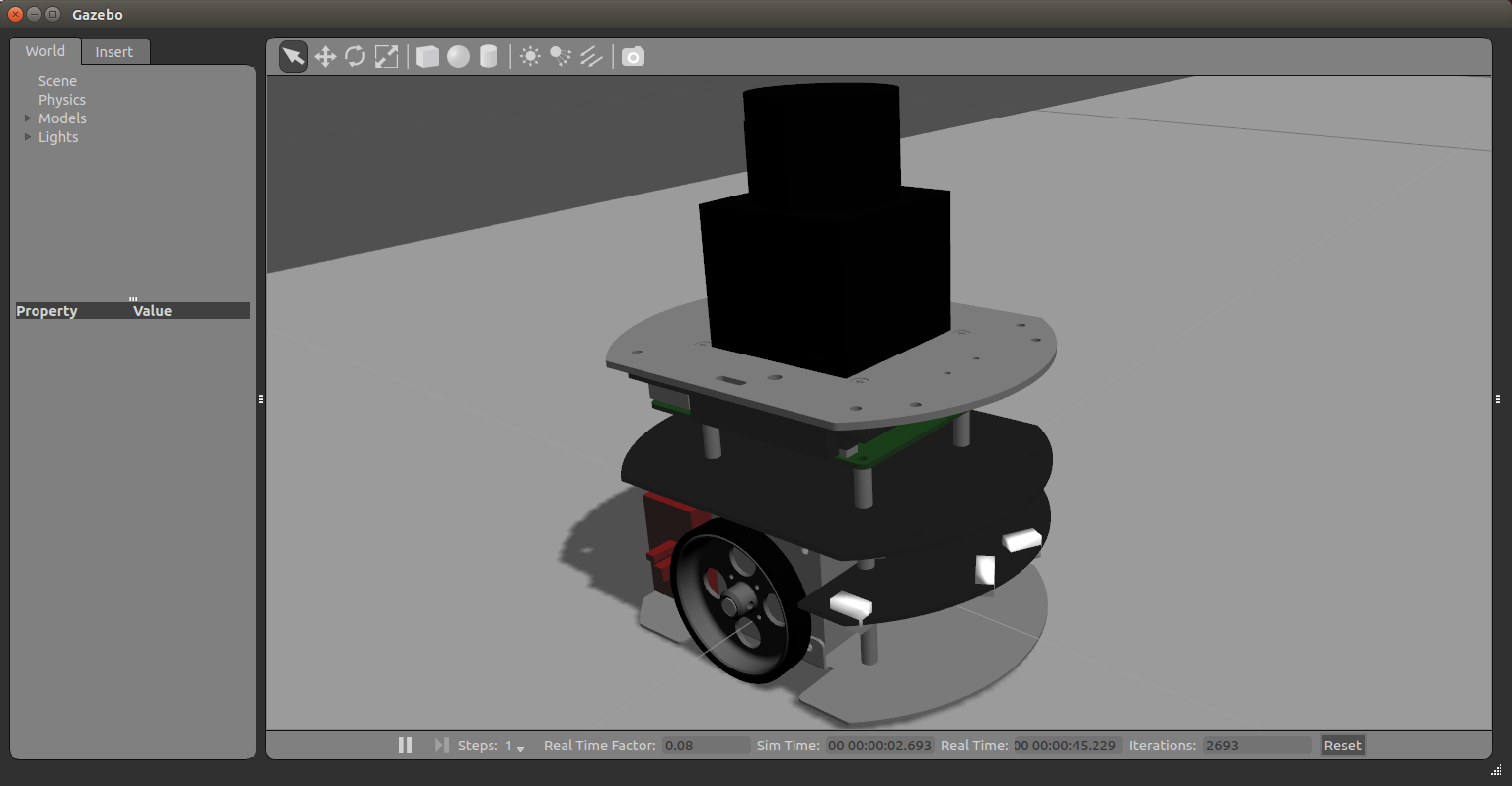
URG付きモデルでの動作例
ライセンス
このリポジトリはMITライセンスに基づいて公開されています。 MITライセンスについてはLICENSEを確認してください。
引用または参考にしたリポジトリ
-
CIR-KIT/fourth_robot_pkg - BSD (BSD 3-Clause License)
- urdf model xacro files
- ros_control definition files
-
yujinrobot/kobuki - BSD (BSD 3-Clause License)
- launch files
No version for distro ardent. Known supported distros are highlighted in the buttons above.
No version for distro jade. Known supported distros are highlighted in the buttons above.
No version for distro hydro. Known supported distros are highlighted in the buttons above.